
Wix Cookie Consent Banner
Simplify compliance on your Wix website by integrating UniConsent. Add a cookie consent banner effortlessly and meet GDPR, CCPA, LGPD, and EU Cookie Law requirements.
Instruction




How to setup
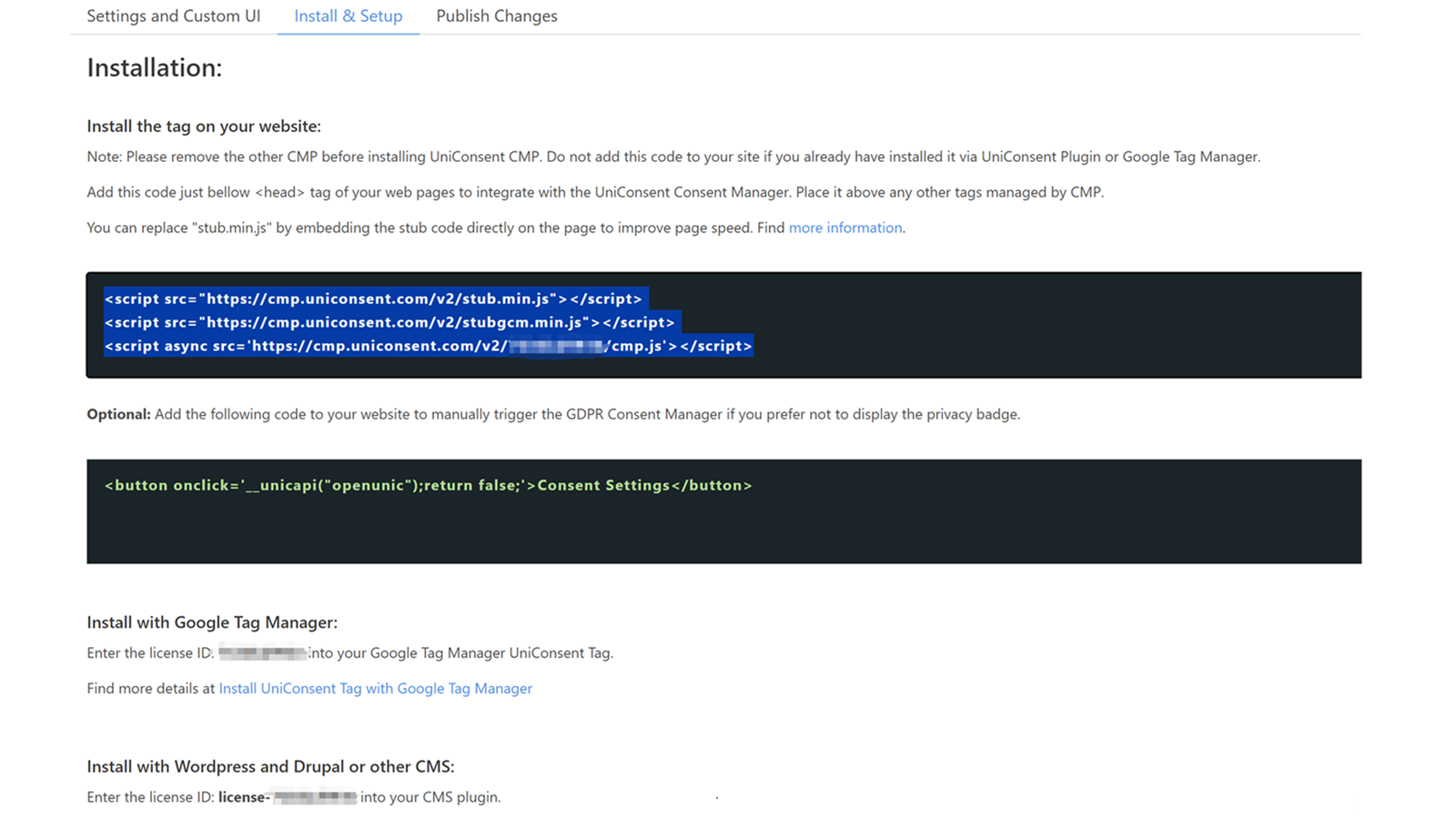
1. Get the UniConsent CMP installation code
First, log in to your UniConsent account, go to Consent Manager > My Websites, and click Manage.
Second, click Install & Setup and copy the CMP code in the black area.
2. Adding the UniConsent Banner to Wix
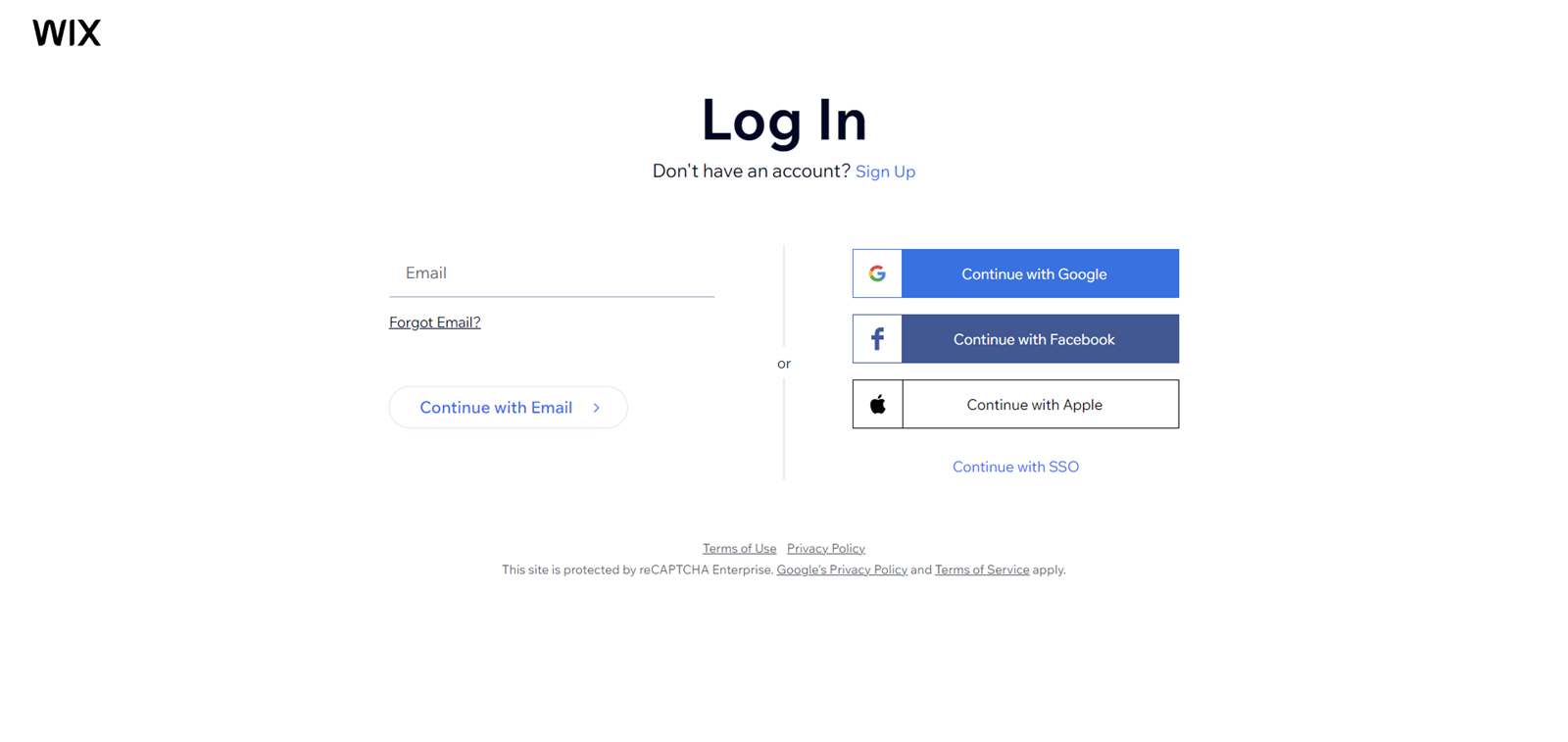
To add the banner, login to your Wix dashboard
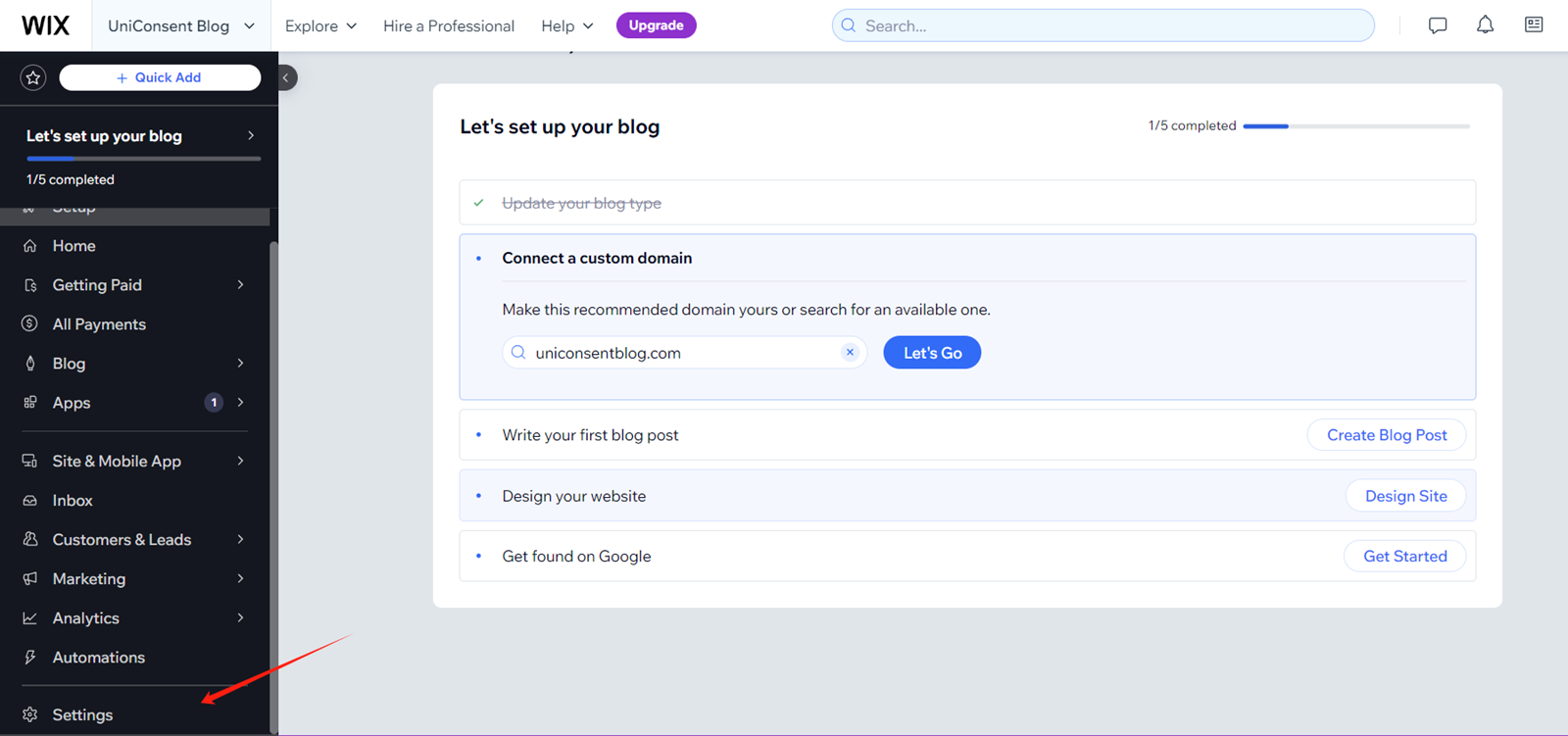
On your Wix dashboard, open Settings.
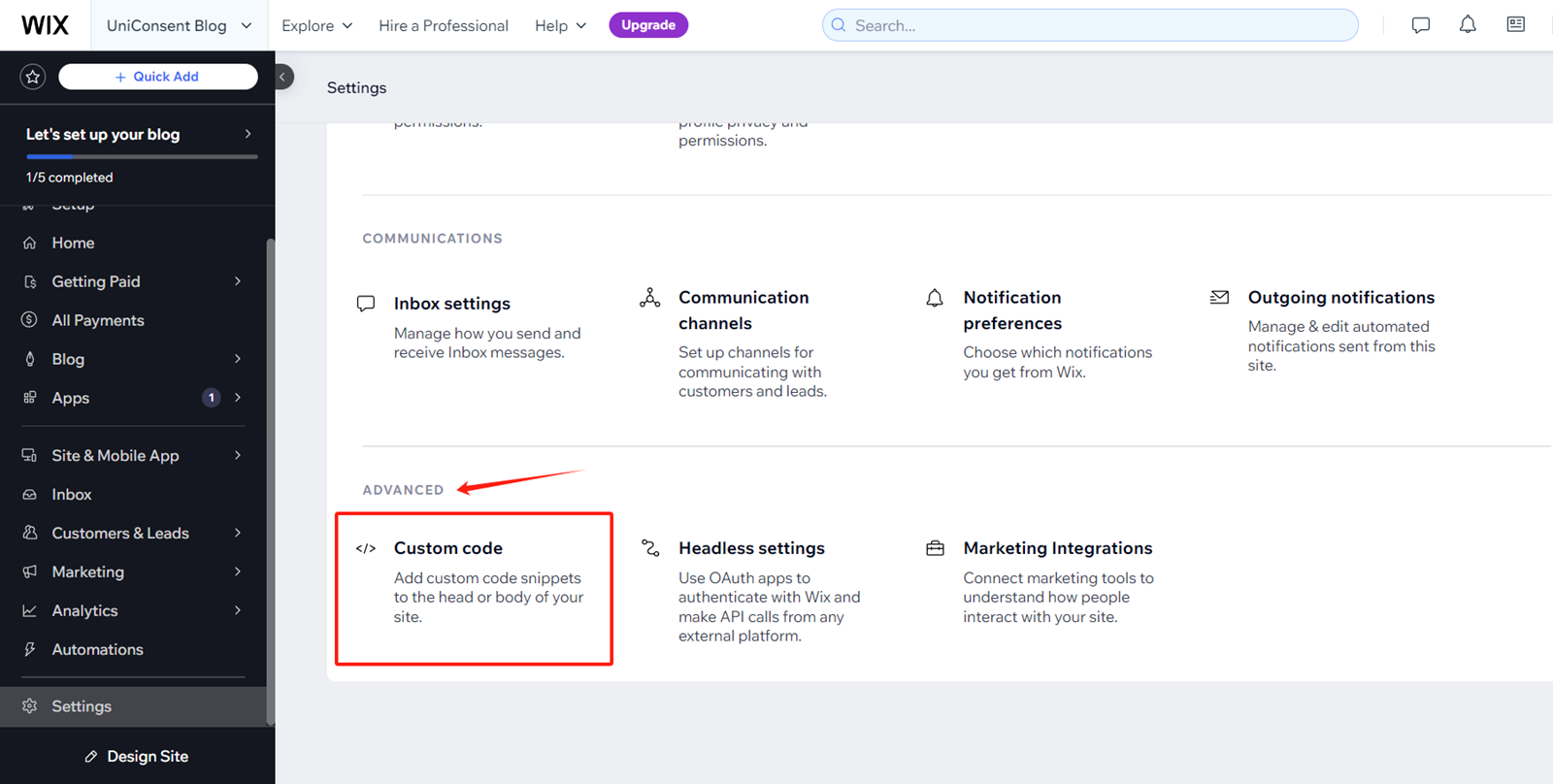
On Settings Page, Find and click Advanced > Custom Code
Click + Add Custom Code on the top right corner.
paste the UniConsent code into the Head section.
Finally, save your changes to apply the UniConsent banner site-wide on your Wix website.