
Cookie-Einwilligungsbanner für Wix
Vereinfachen Sie die Compliance Ihrer Wix-Website durch die Integration von UniConsent. Fügen Sie mühelos einen Cookie-Einwilligungsbanner hinzu und erfüllen Sie die Anforderungen von DSGVO, CCPA, LGPD und EU-Cookie-Richtlinie.
Anleitung







Einrichtung
1. Holen Sie sich den UniConsent CMP-Installationscode
First, log in to your UniConsent account, go to Consent Manager > My Websites, and click Manage.
Second, click Install & Setup and copy the CMP code in the black area.

2. Hinzufügen des UniConsent-Banners zu Wix
To add the banner, login to your Wix dashboard
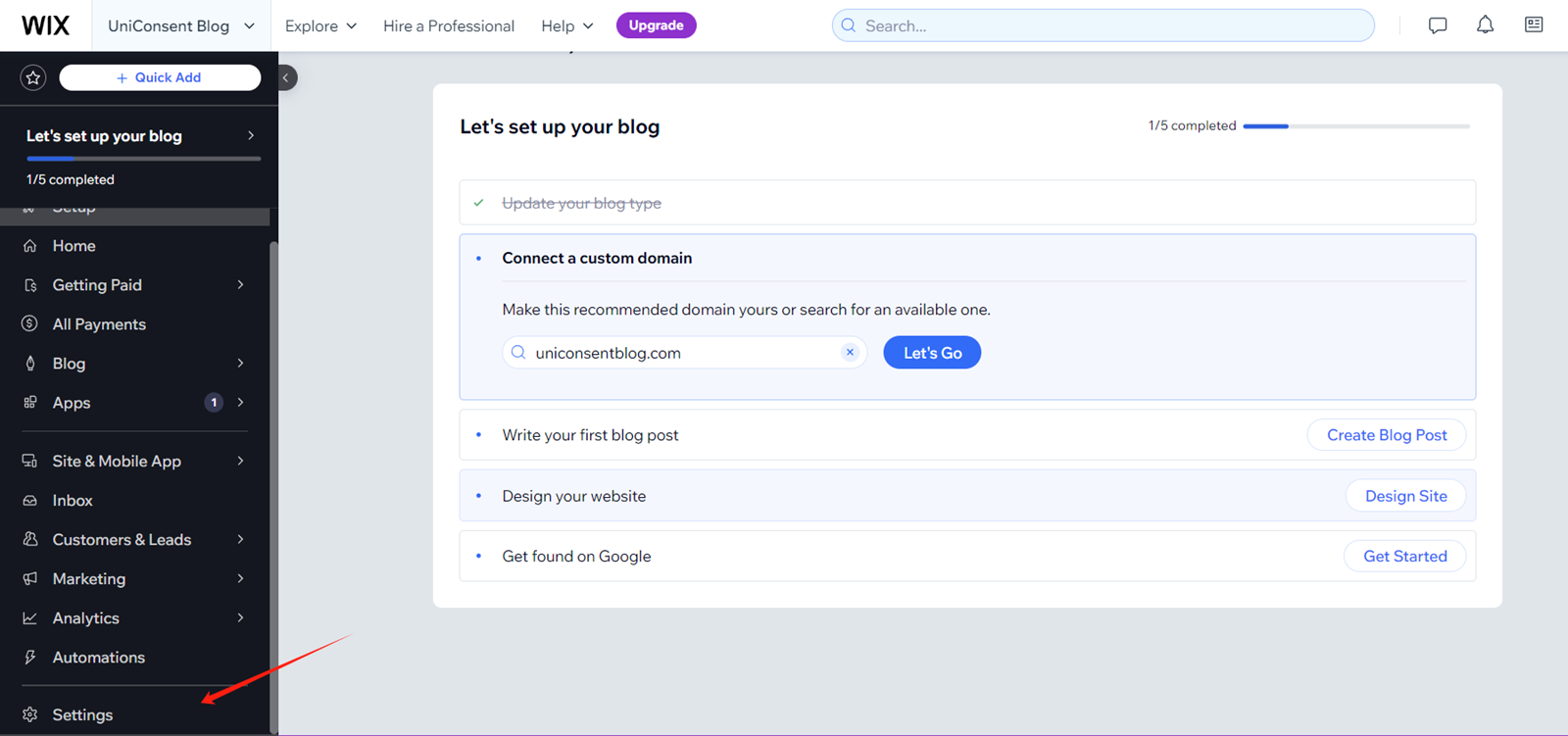
On your Wix dashboard, open Settings.
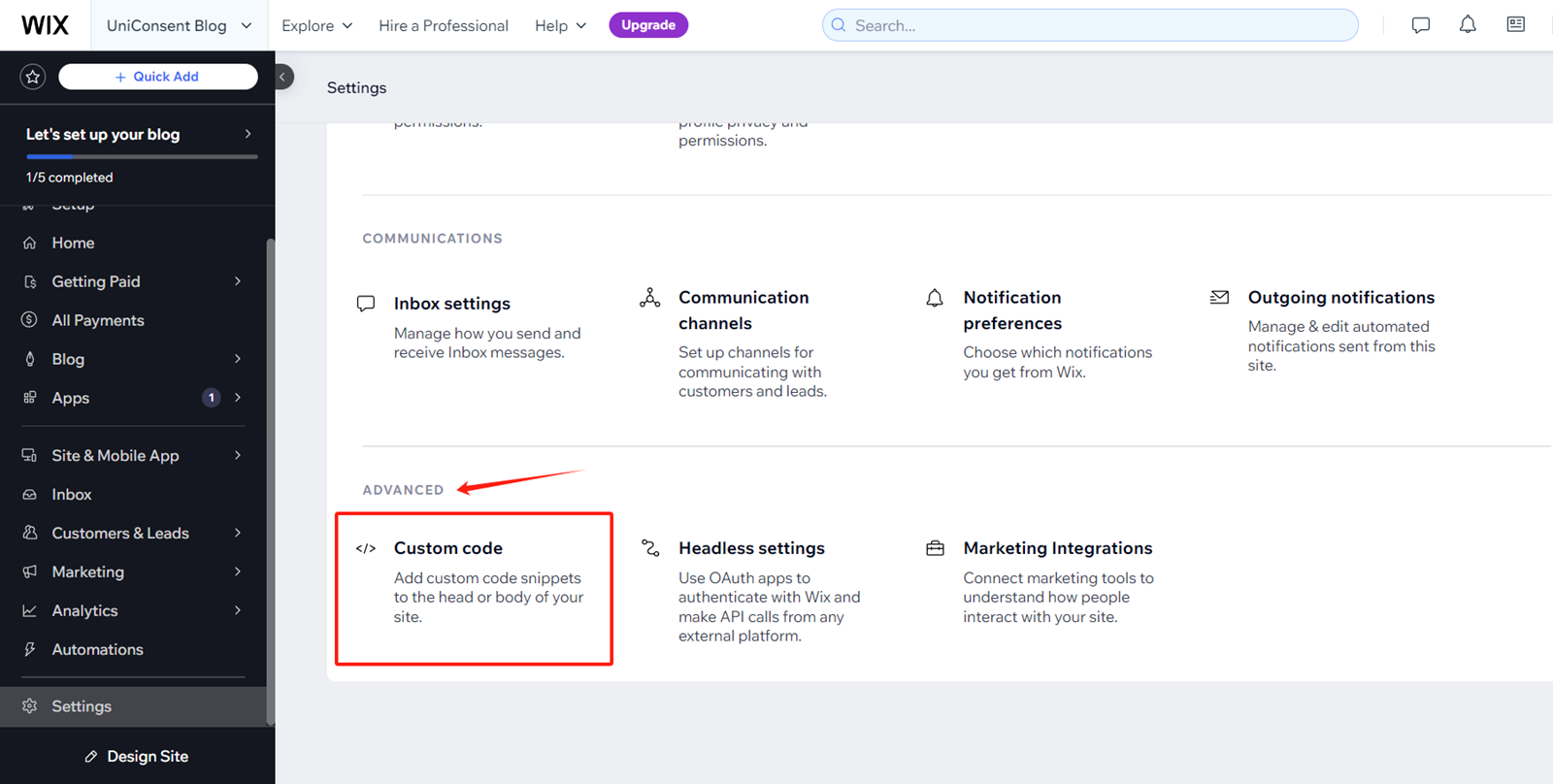
On Settings Page, Find and click Advanced > Custom Code
Click + Add Custom Code on the top right corner.
paste the UniConsent code into the Head section.
Finally, save your changes to apply the UniConsent banner site-wide on your Wix website.