
Wix Cookie 同意横幅
通过集成 UniConsent,简化您 Wix 网站的合规工作。轻松添加 Cookie 同意横幅,满足 GDPR、CCPA、LGPD 和欧盟 Cookie 法的要求。
说明







如何设置
1. 获取 UniConsent CMP 安装代码
First, log in to your UniConsent account, go to Consent Manager > My Websites, and click Manage.
Second, click Install & Setup and copy the CMP code in the black area.

2. 将 UniConsent 横幅添加到 Wix
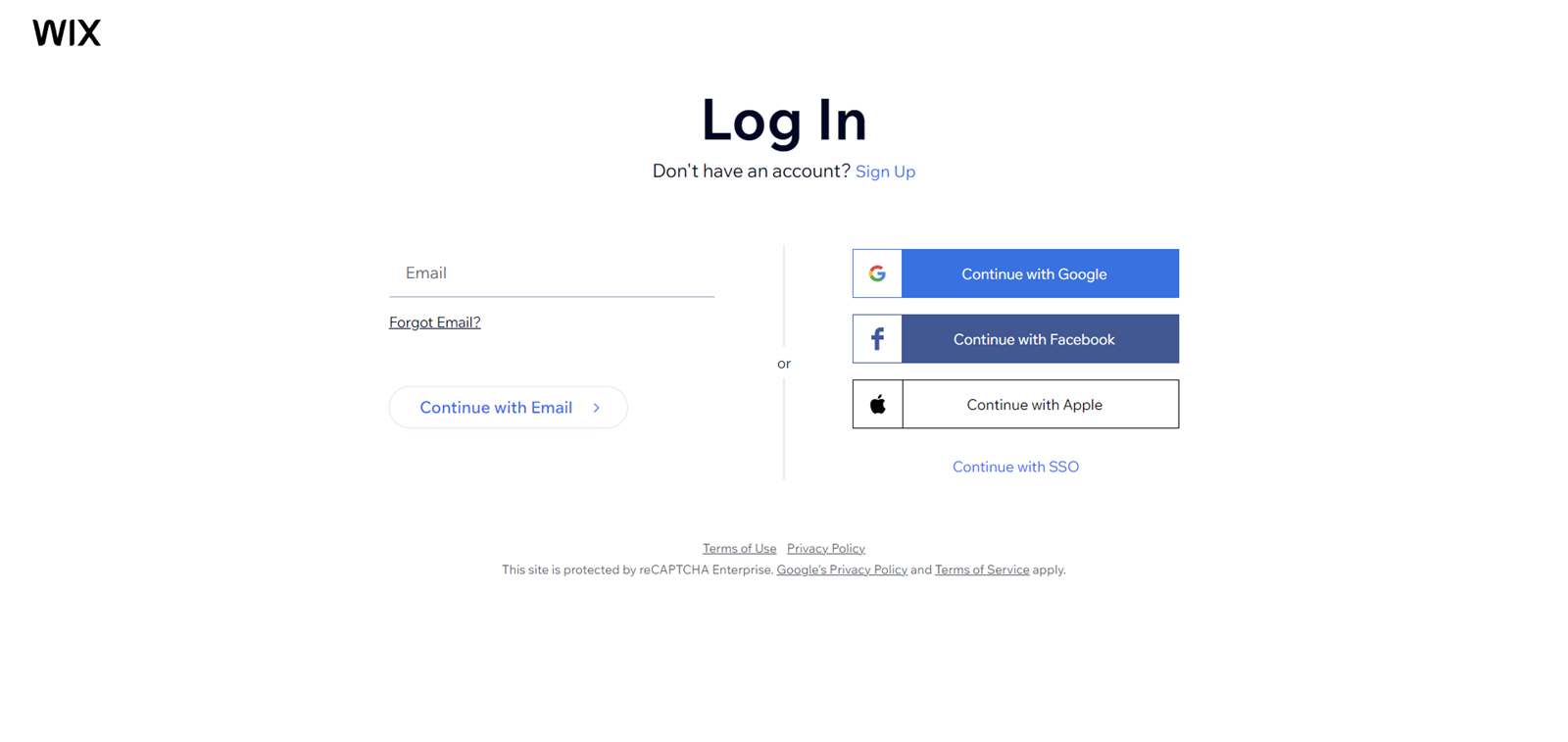
To add the banner, login to your Wix dashboard
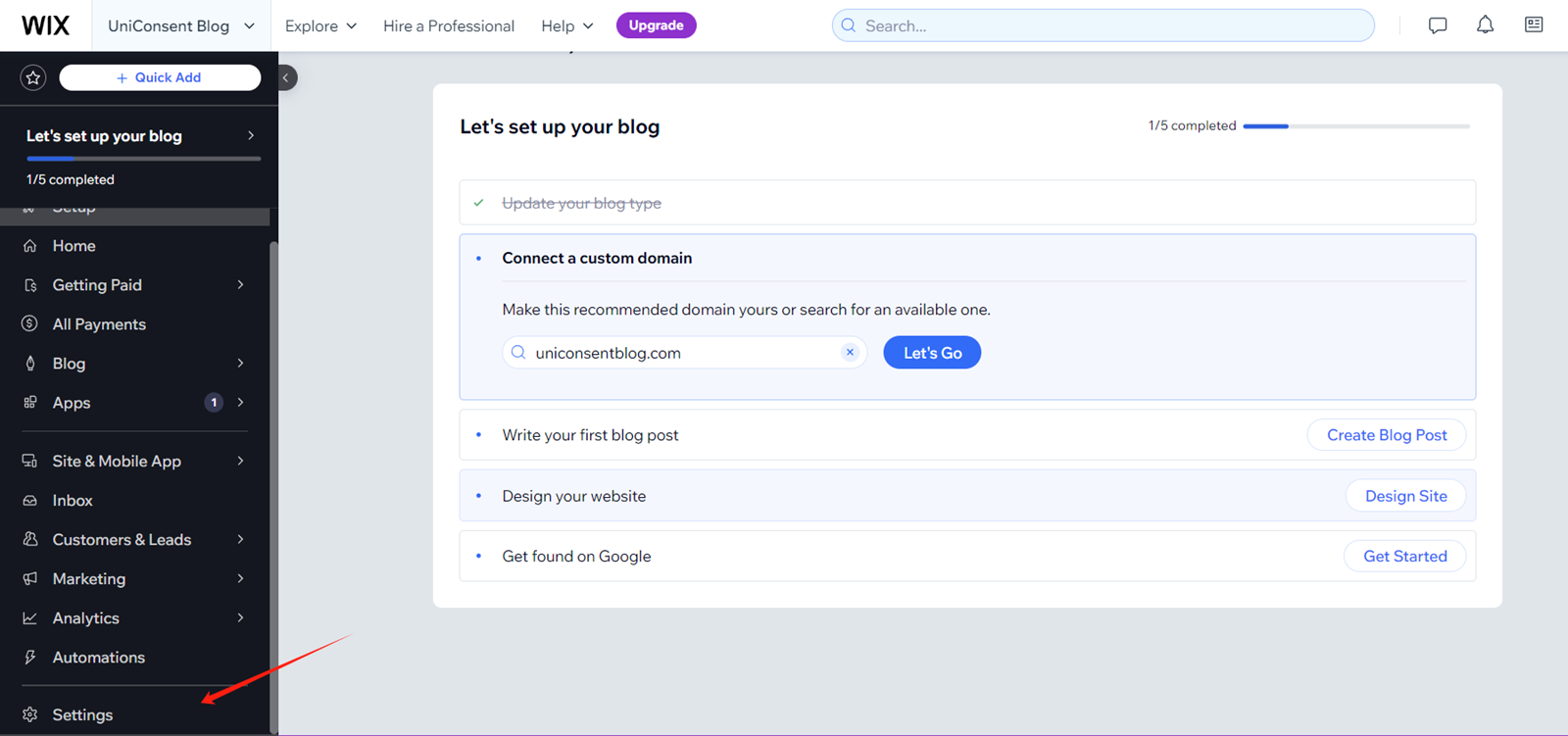
On your Wix dashboard, open Settings.
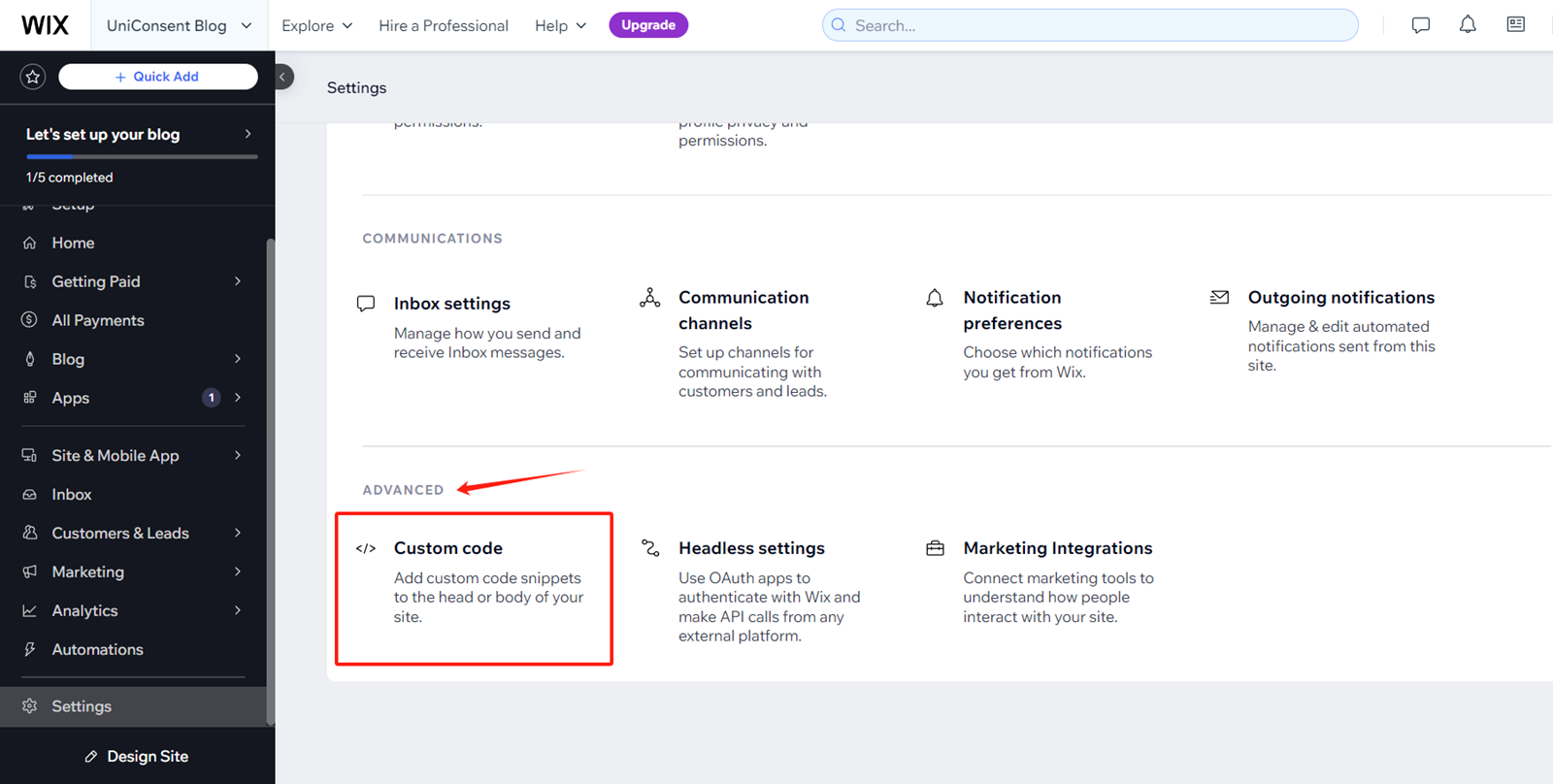
On Settings Page, Find and click Advanced > Custom Code
Click + Add Custom Code on the top right corner.
paste the UniConsent code into the Head section.
Finally, save your changes to apply the UniConsent banner site-wide on your Wix website.