
Cookie-Einwilligungsbanner für Drupal
Binden Sie UniConsent in Ihre Drupal-Website ein, um eine zuverlässige Datenschutz-Compliance sicherzustellen. Erfüllen Sie mit unserer nahtlosen Integration ganz einfach die Anforderungen der DSGVO, CCPA, LGPD und des EU-Cookie-Gesetzes.







Einrichtung
1. Finden Sie das UniConsent CMP-Modul
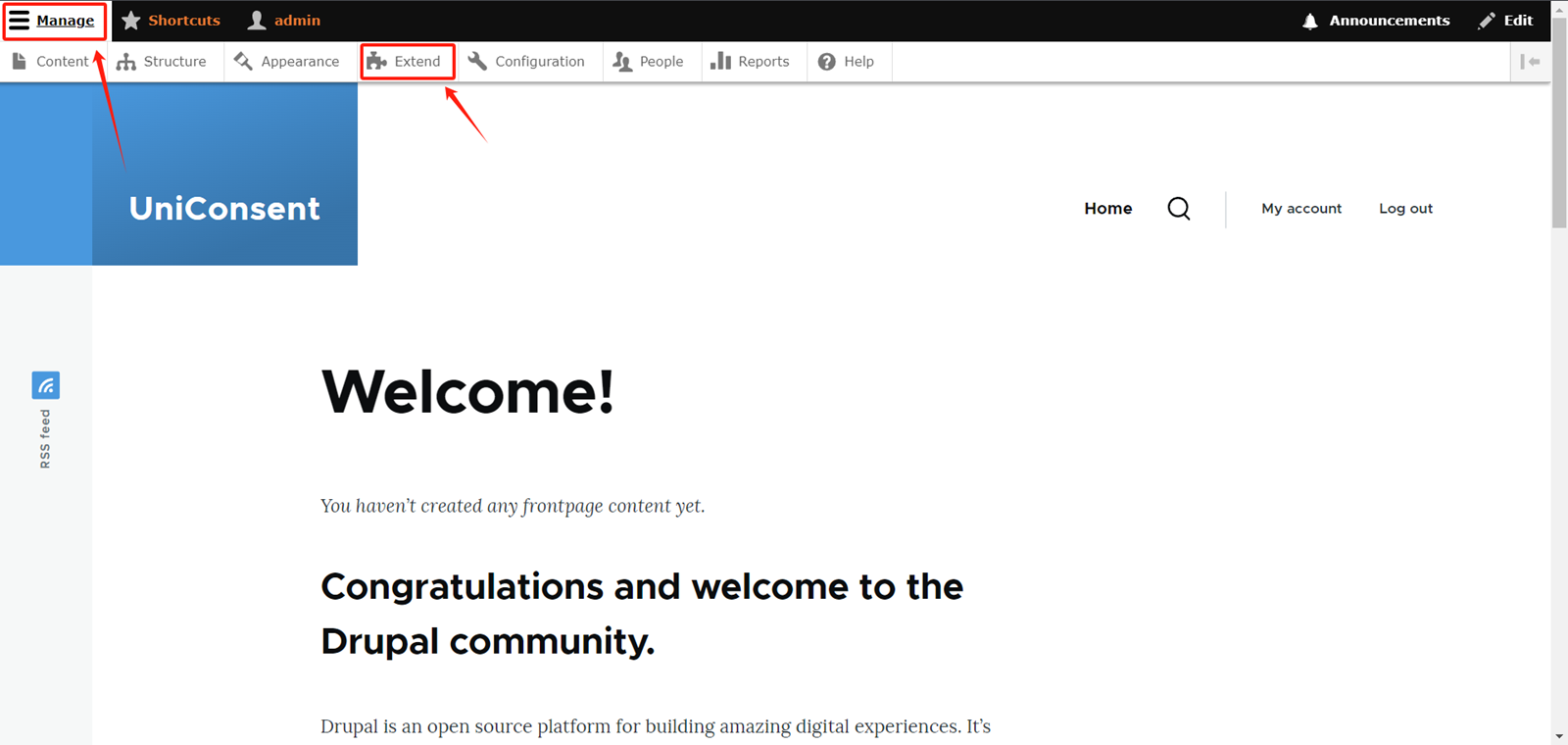
Log in to your admin account on your Drupal website. Expand theManage option button in the top right corner of the website.
Select Extend in the navigation bar.
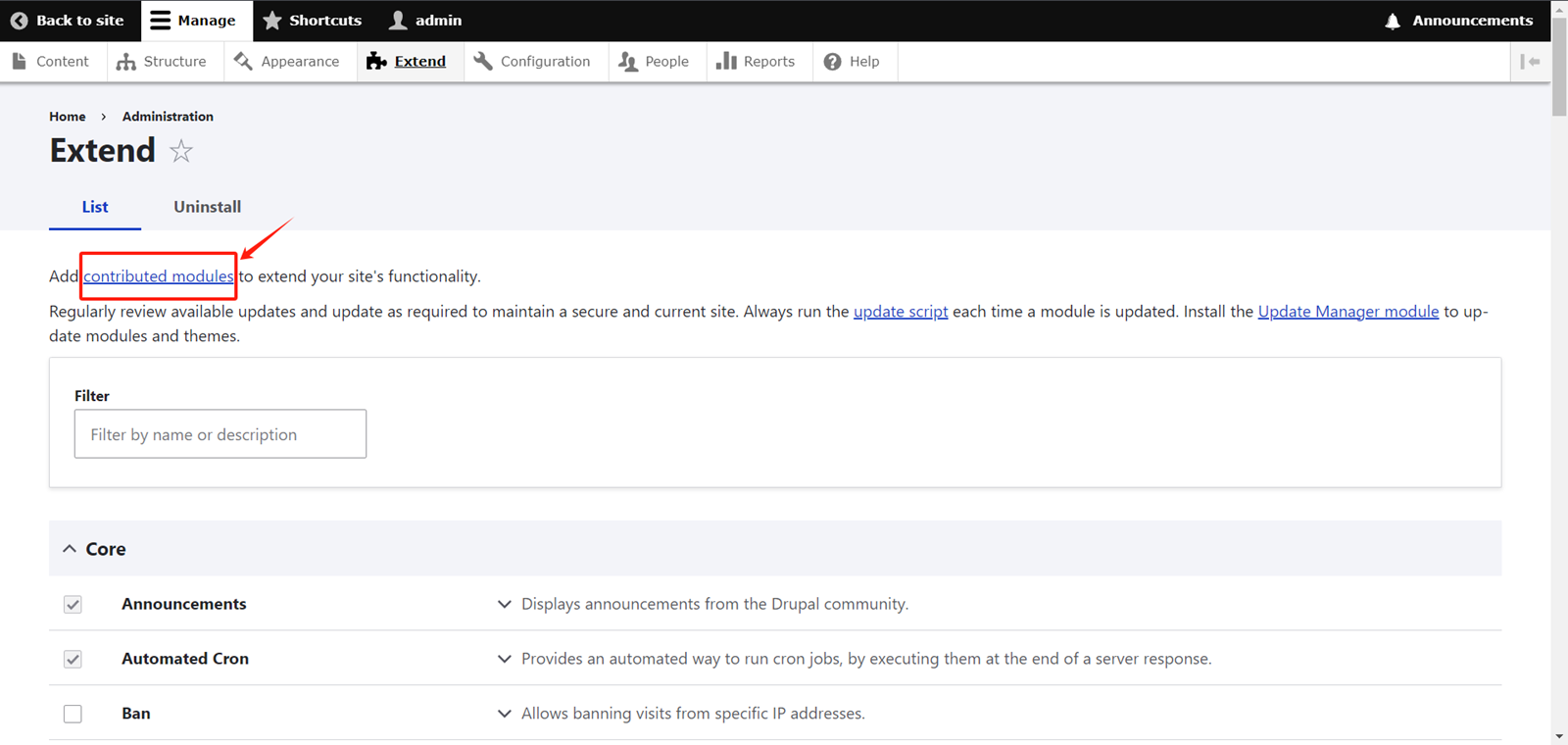
On the Extend page, click on Contributed Modules.
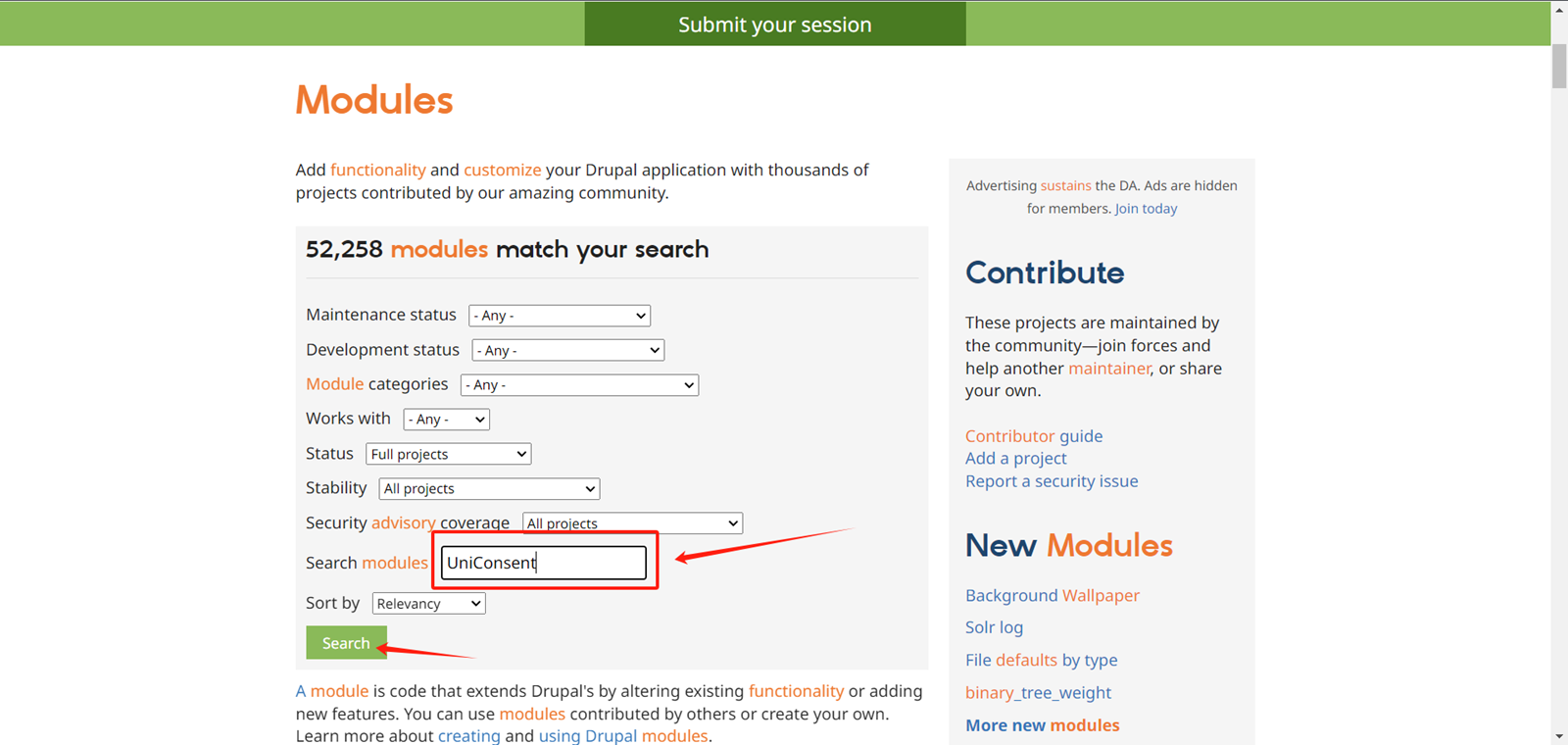
On the module search page, locate the input box labeled Search Modules.
Type UniConsent in the input box, then click the Search button.
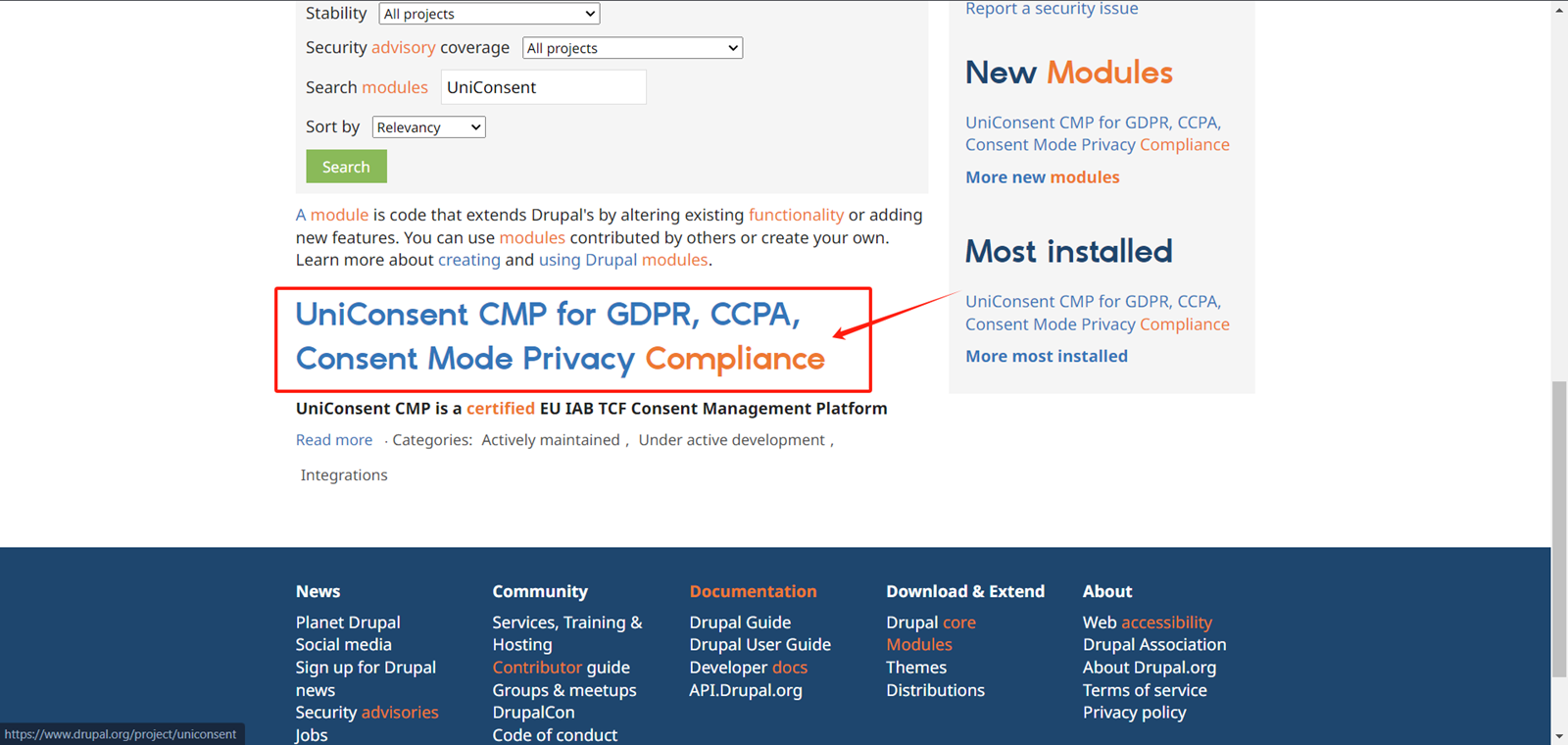
Click on the search result
Copy the installation code at the bottom of the page.
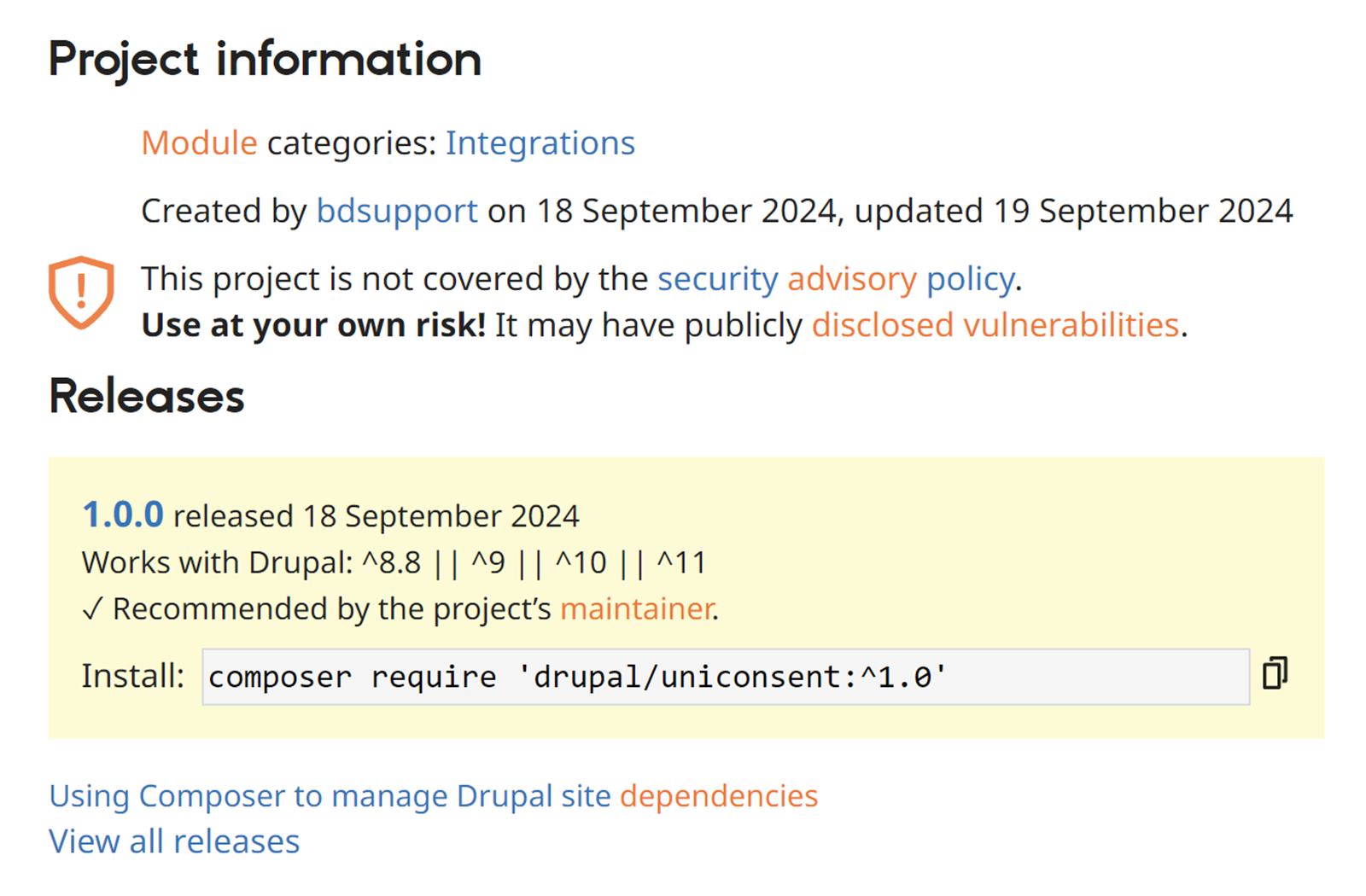
2. Installieren Sie das UniConsent CMP-Modul
Execute the code you just copied in the console.
Then, go back to the Drupal Extend page and filter for UniConsent.
Check the checkbox for the UniConsent CMP module.
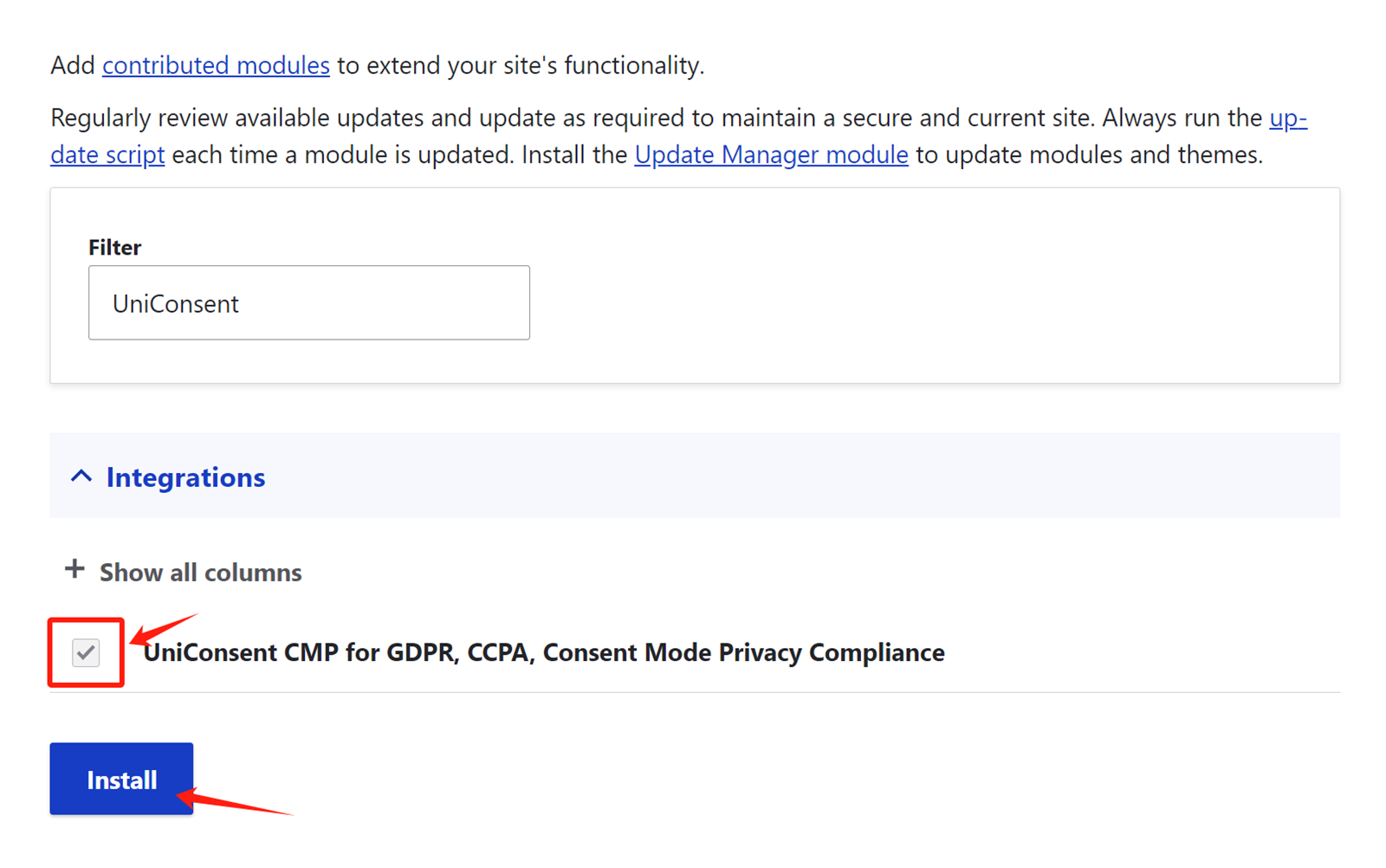
Click Install to activate the UniConsent banner across your site.