
Bannière de consentement aux cookies Drupal
Intégrez UniConsent à votre site web Drupal pour garantir une conformité solide en matière de confidentialité des données. Répondez facilement aux exigences du RGPD, du CCPA, de la LGPD et de la loi européenne sur les cookies grâce à notre intégration transparente.







Comment configurer
1. Trouver le module UniConsent CMP
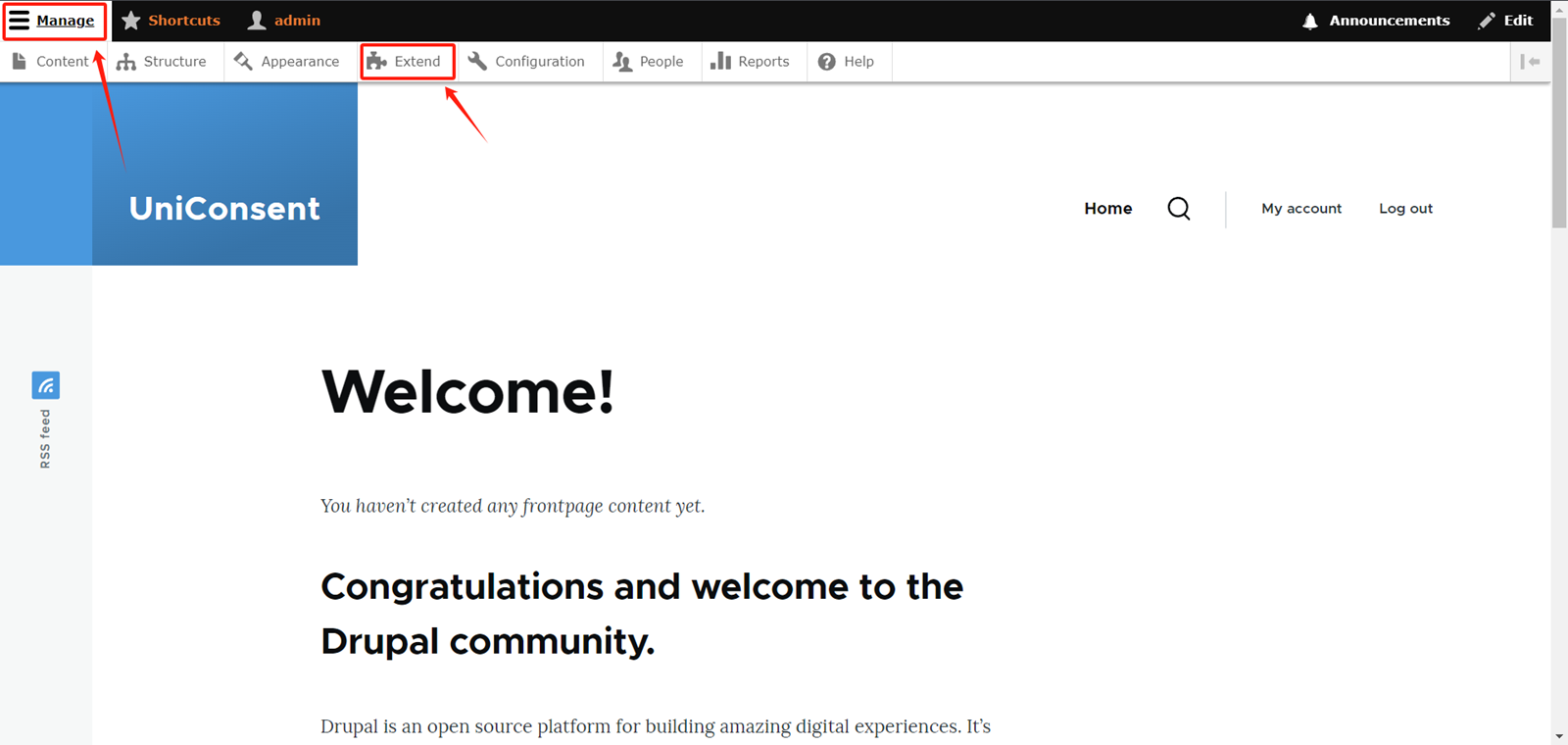
Log in to your admin account on your Drupal website. Expand theManage option button in the top right corner of the website.
Select Extend in the navigation bar.
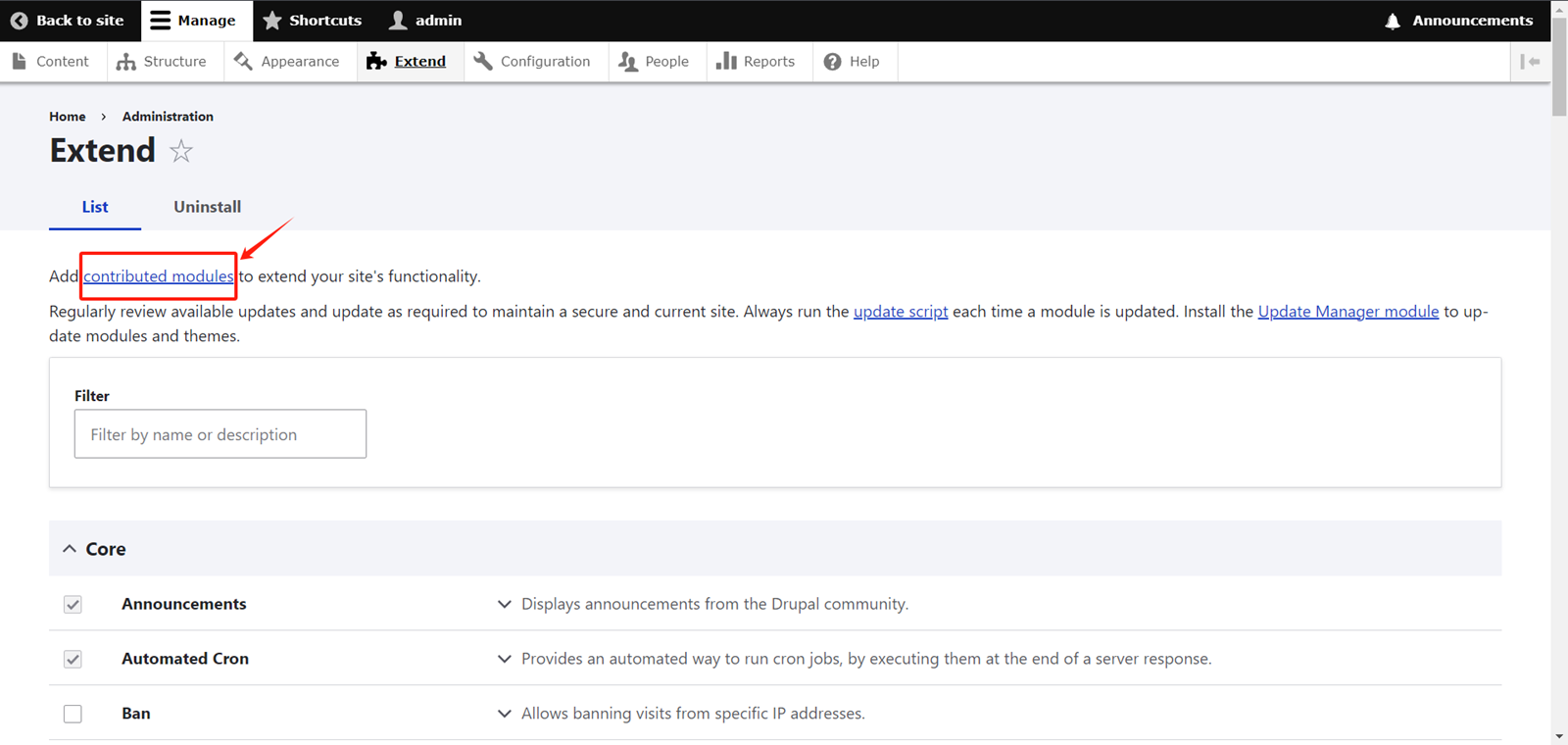
On the Extend page, click on Contributed Modules.
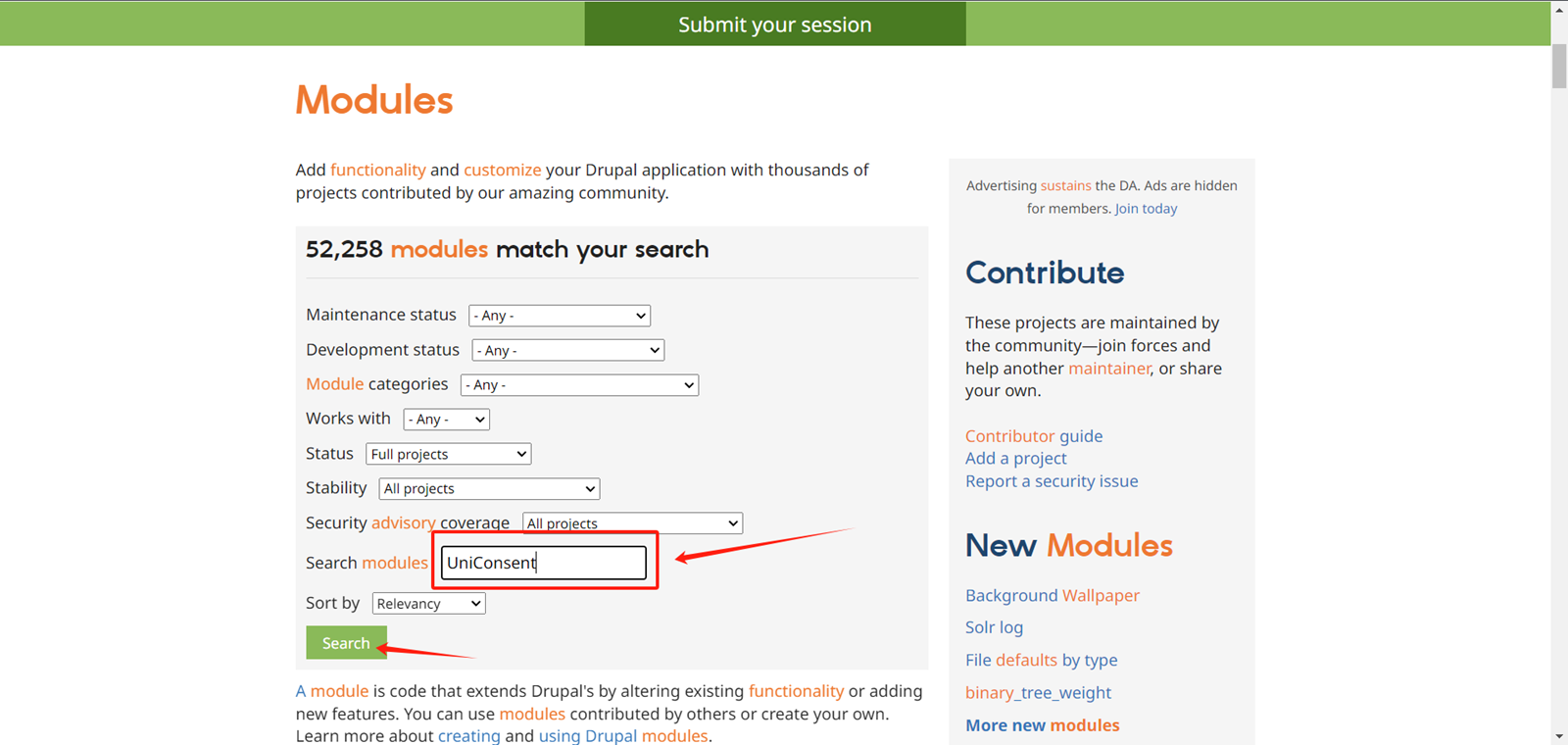
On the module search page, locate the input box labeled Search Modules.
Type UniConsent in the input box, then click the Search button.
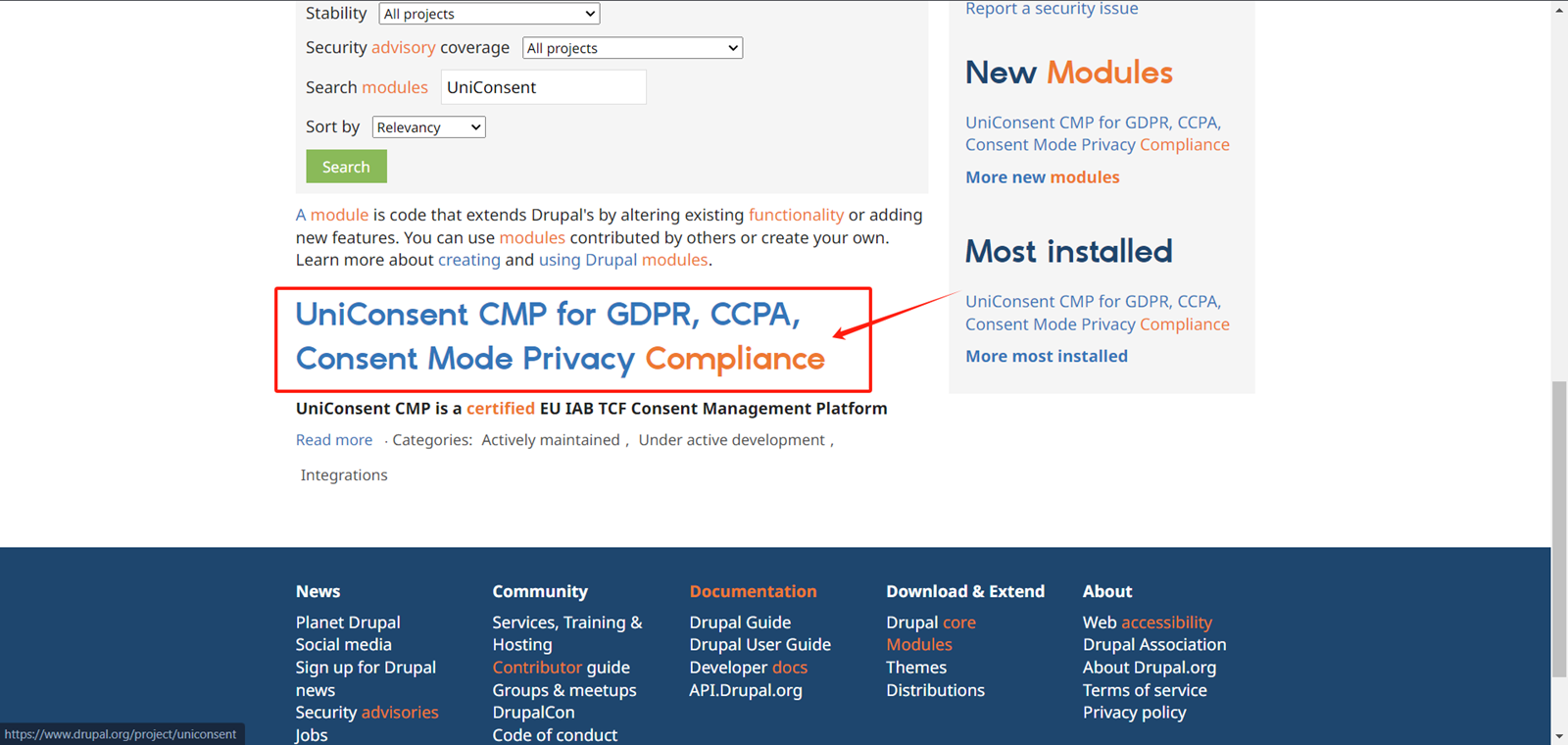
Click on the search result
Copy the installation code at the bottom of the page.
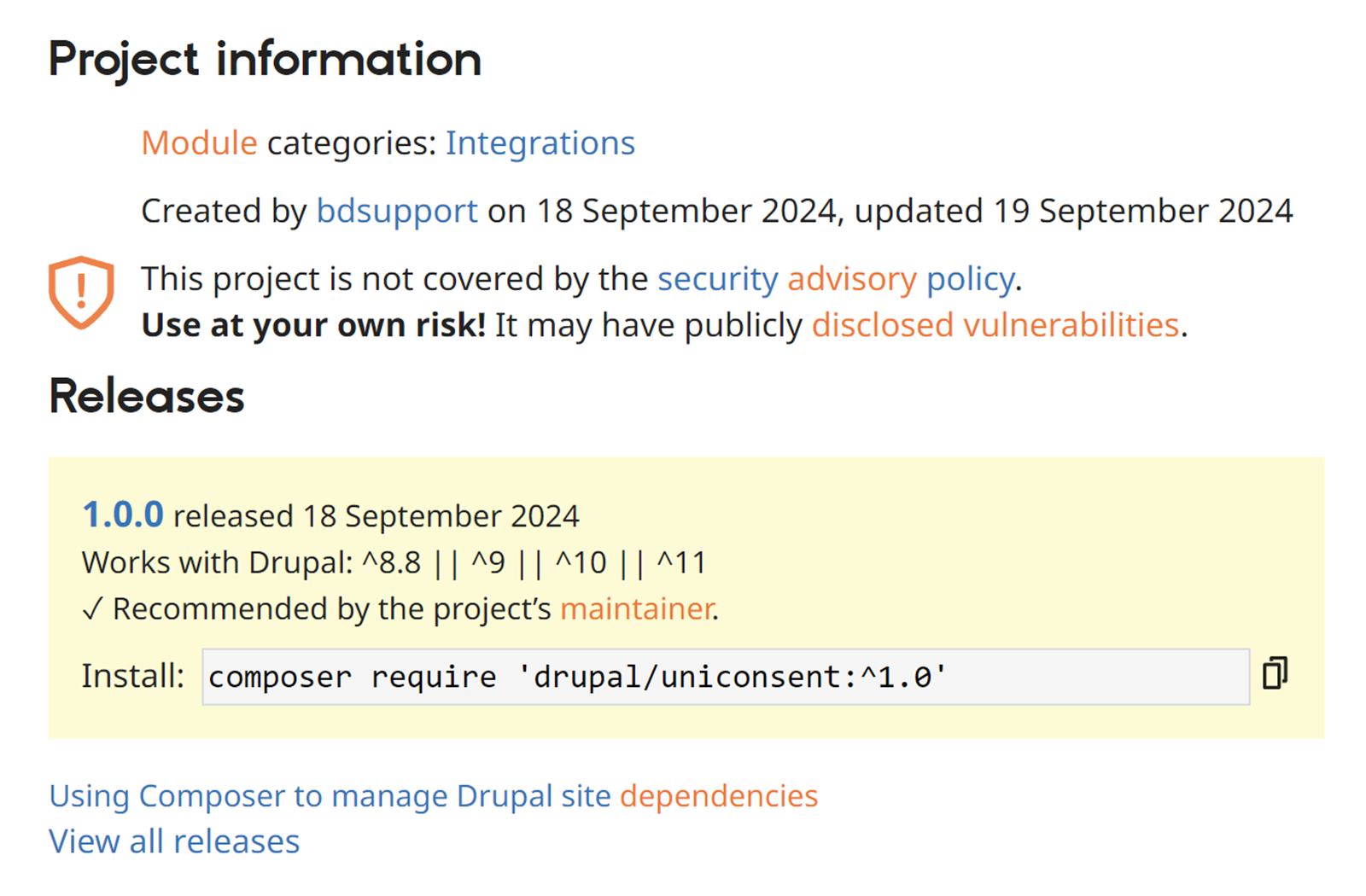
2. Installer le module UniConsent CMP
Execute the code you just copied in the console.
Then, go back to the Drupal Extend page and filter for UniConsent.
Check the checkbox for the UniConsent CMP module.
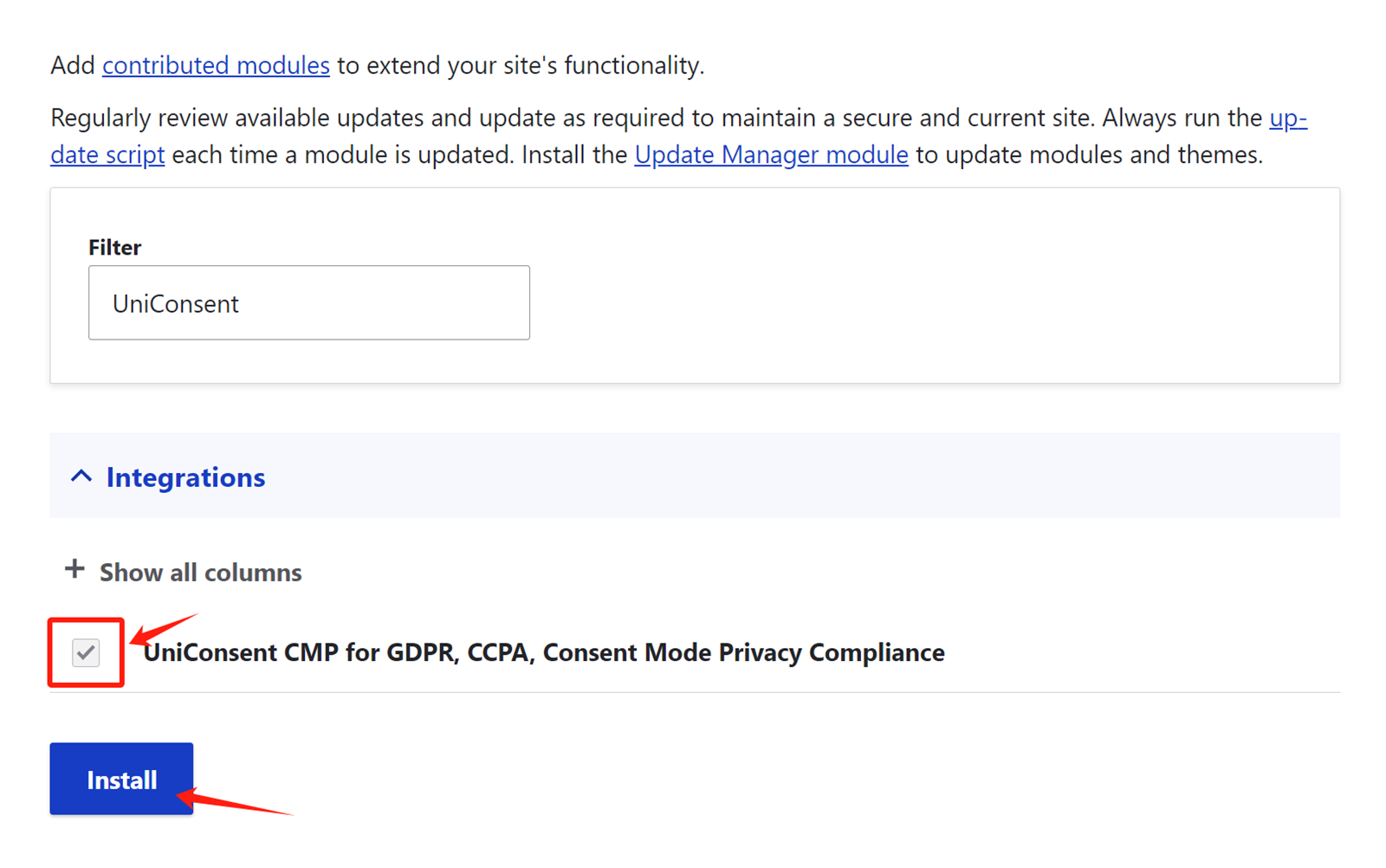
Click Install to activate the UniConsent banner across your site.